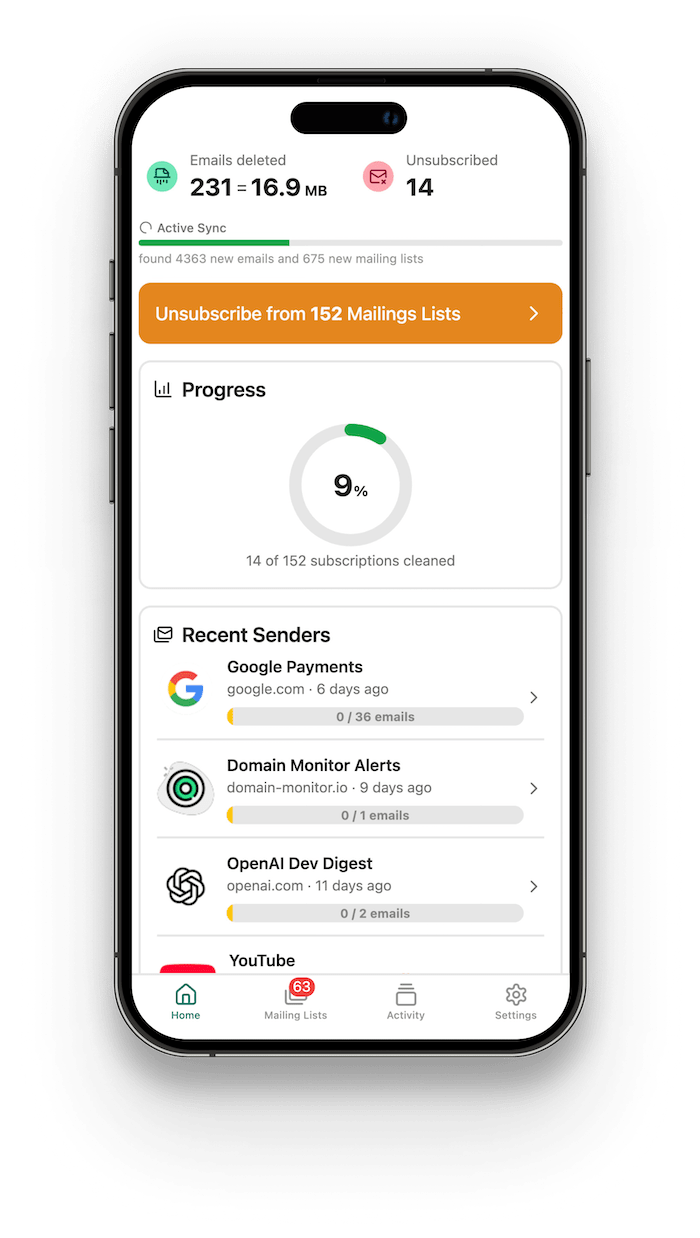
Clean Your Email
Automatically
Quickly identify all your newsletters in one place, unsubscribe from junk and delete spam emails.

Quickly identify all your newsletters in one place, unsubscribe from junk and delete spam emails.
Works with all Major Providers

Gmail

Outlook

Yahoo

iCloud

AOL
Features
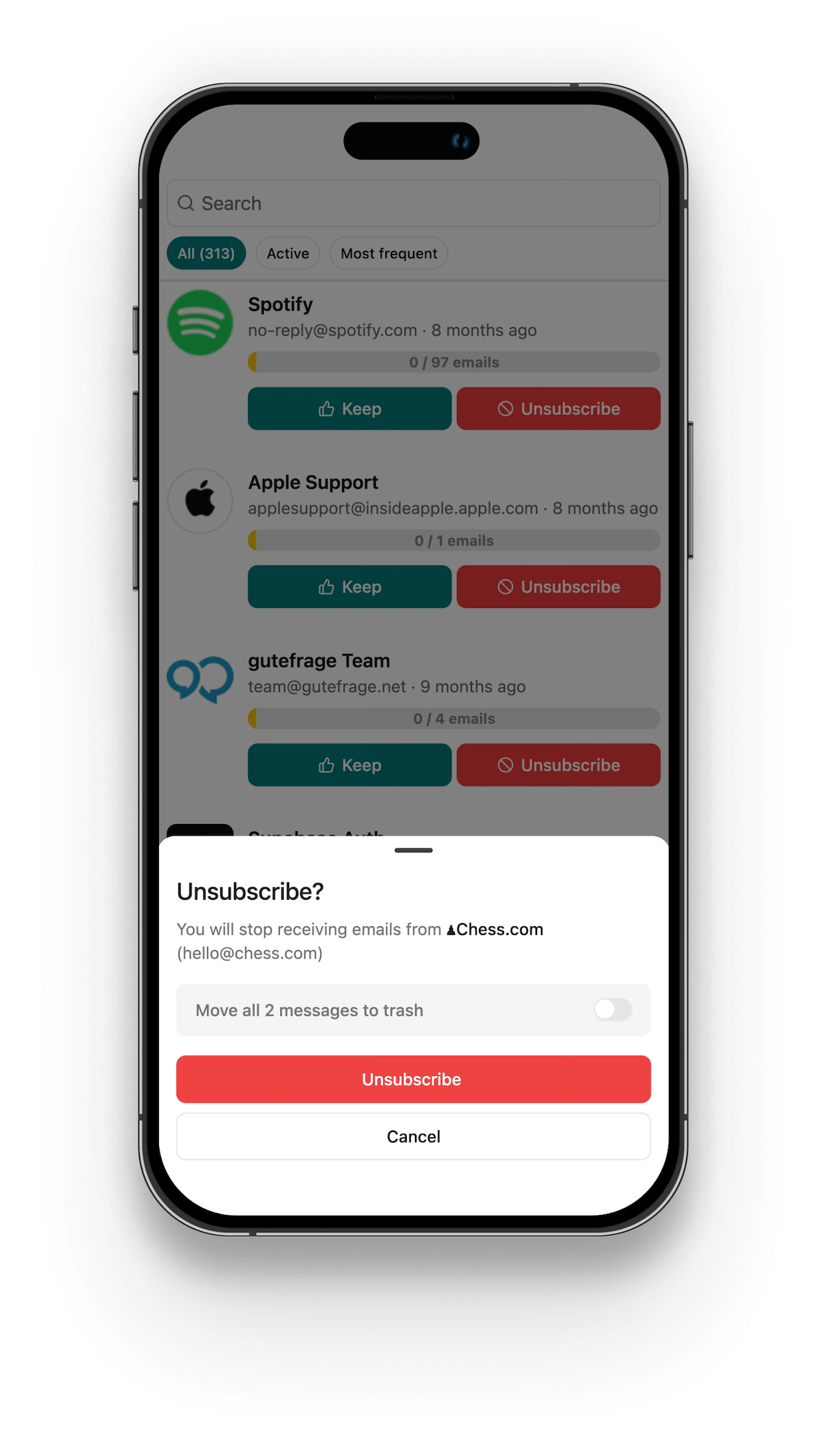
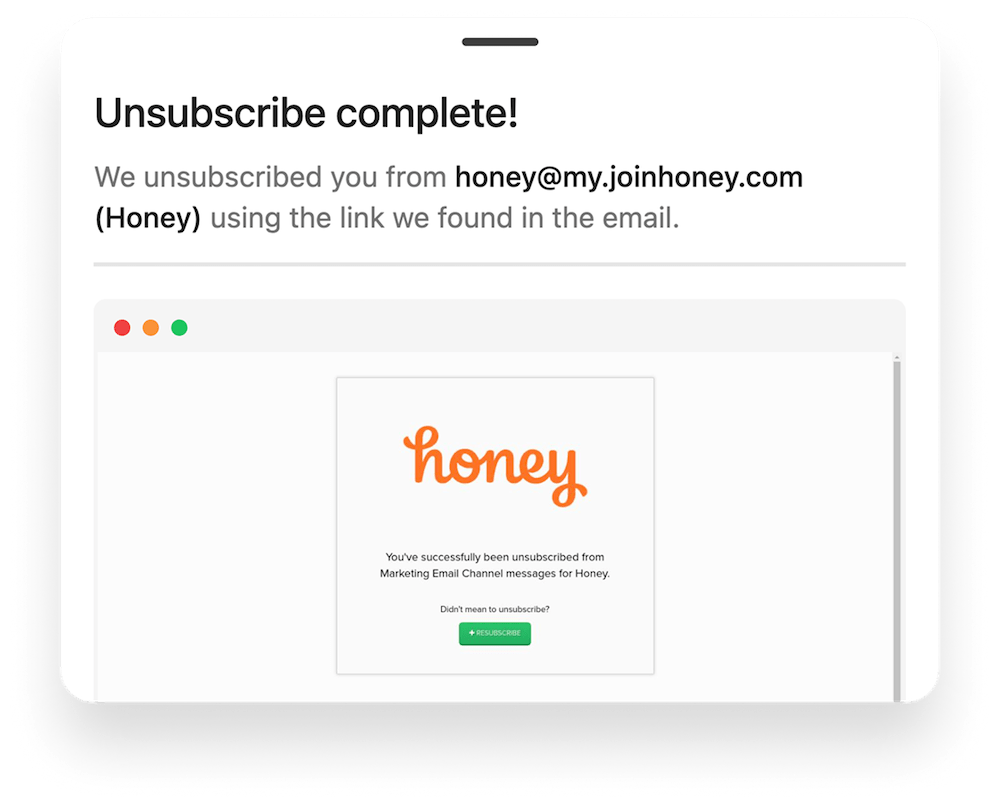
Stop unwanted newsletters with a single tap. We follow unsubscribe links and actually unsubscribe you from emails. Ditch hundreds of lists in just a few minutes.
AI Unsubscribe
Auto Delete
Background Sync
Running out of storage space? Delete all emails from a sender with 1 click.
ClearBear connects securely to your email provider, and your email content is never stored, tracked, or sold.
3 Simple Steps
Securely connect your Gmail, Outlook, Yahoo or any IMAP account to get started.
Review all your subscriptions in one place and unsubscribe from them with a single click.
Relax and enjoy a clutter-free email experience, automatically maintained.
Got Questions? We've got answers. If you don't see your question here, drop us an email.
Contact SupportYes. ClearBear only reads the parts of emails needed to identify newsletters. We never store your email content, only lightweight metadata such as sender counts and the last received timestamp.
ClearBear works with all major providers including Gmail, Outlook, Yahoo, iCloud and AOL. If your email account supports IMAP, ClearBear will connect and sync without issues.
You can connect and sync your inbox for free. A subscription is required for unsubscribing and advanced cleanup features. Unlike many competitors that show ads or sell your data, ClearBear makes money only through fair subscription fees.
You can cancel anytime through the App Store or directly in the ClearBear app under Settings → Billing. Your plan stays active until the end of the current billing period.
Don't let spam take over your life. Download ClearBear now and experience the joy of an empty inbox.